Free Notion template
A Notion semester planner that actually gets used
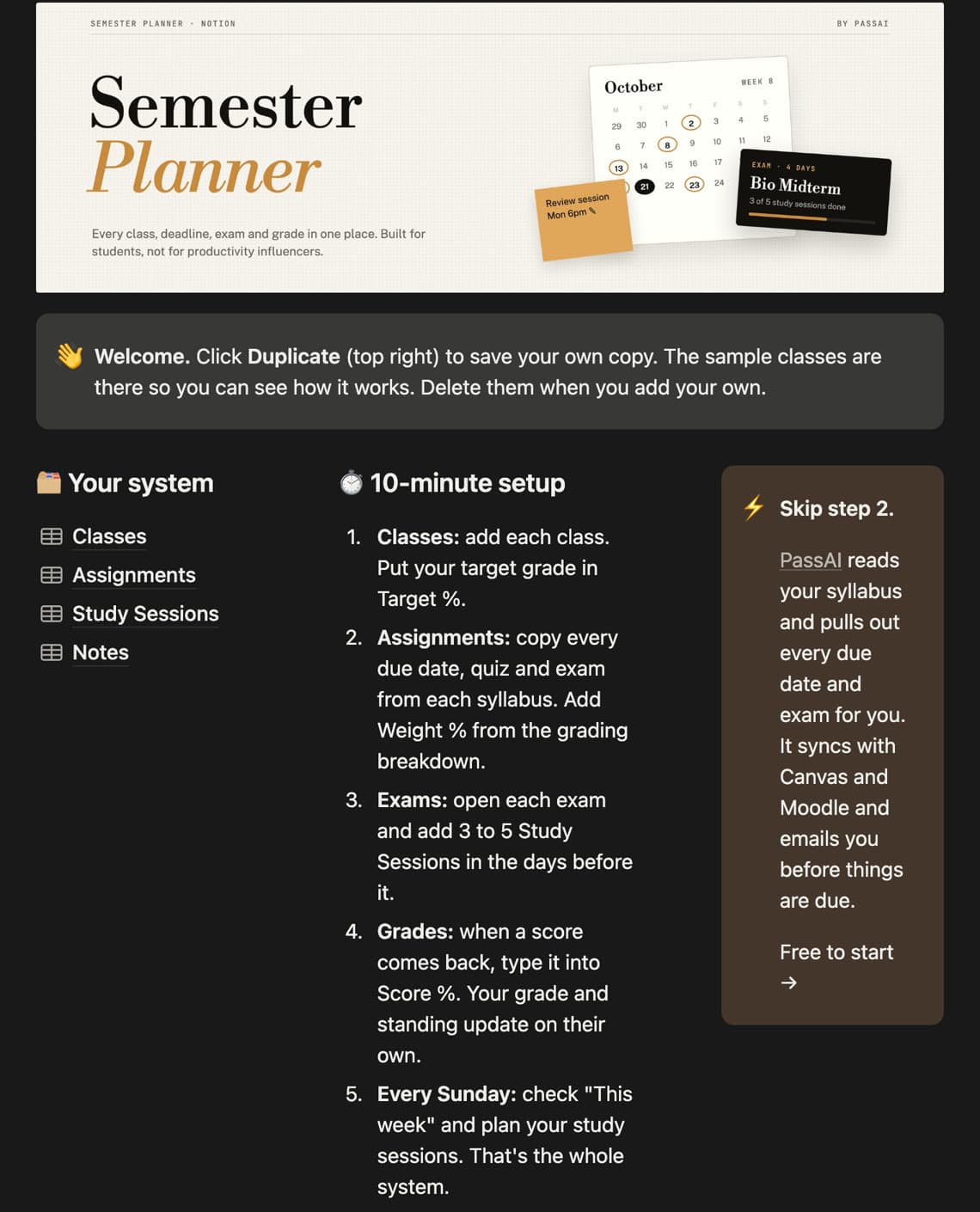
Every class, deadline, exam and grade on one Notion page, with a study planner for exam week. Built from what students use most in their own setups, and nothing they abandon. Free with a PassAI account.
What's inside
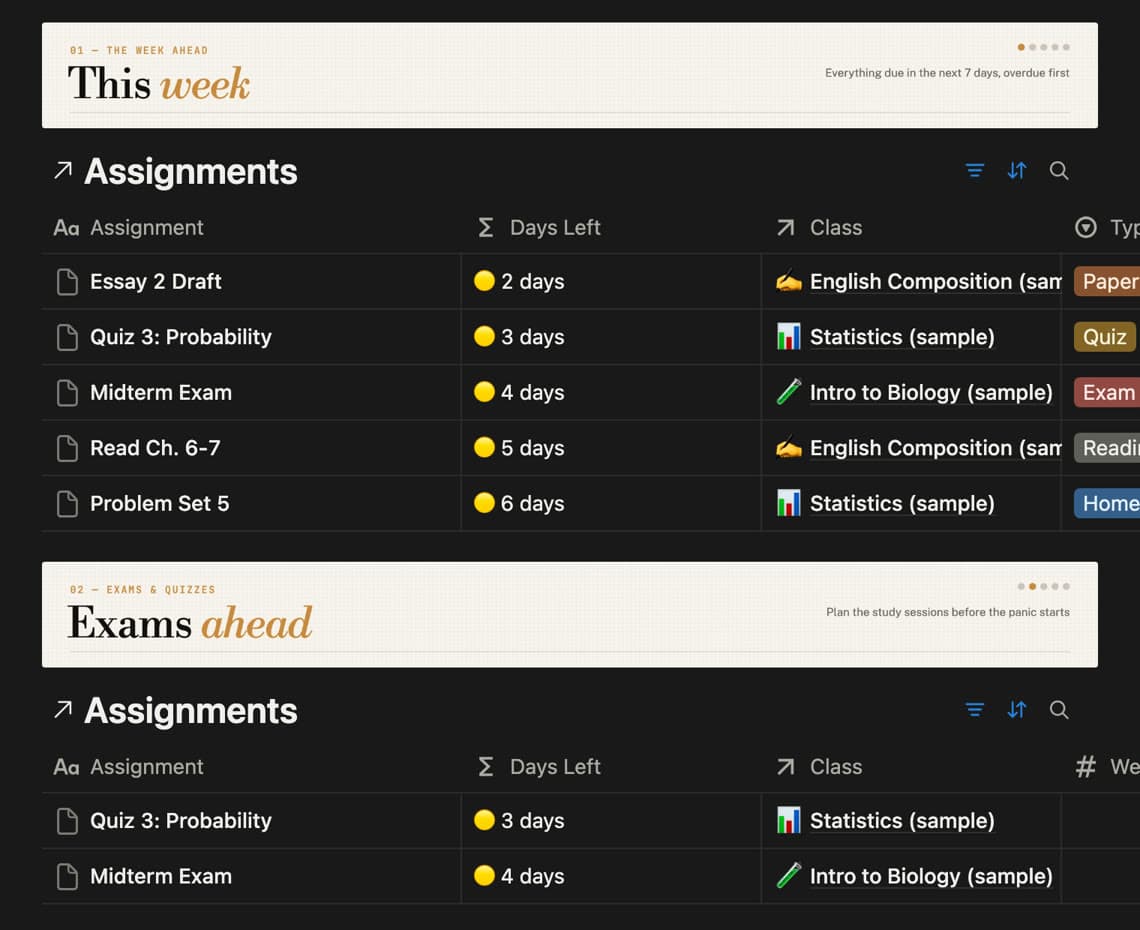
This week, overdue first
Every assignment due in the next 7 days, with a countdown: Overdue, Today, Tomorrow, 3 days.
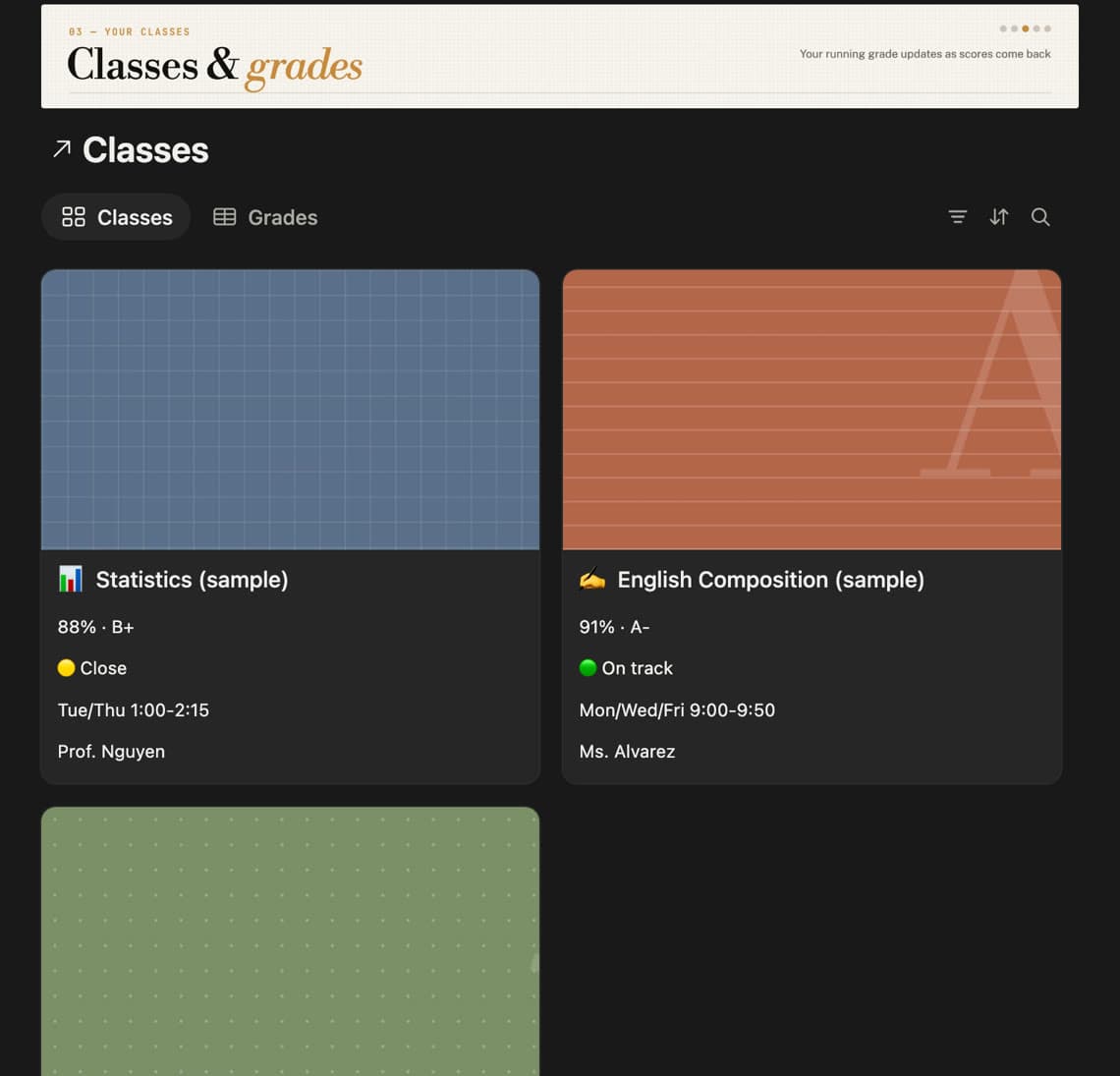
A running grade for every class
Enter scores as they come back and each class shows its grade, the letter, and whether you are on track for your target.
Study sessions before every exam
Attach short sessions to an exam, rate how well you knew it, and the planner tells you when to review again.
A page for each class
Professor, room, office hours, the grading breakdown, and that class’s assignments and notes on one page.
Cornell-style lecture notes
Notes on the right, questions on the left, a two-line summary at the bottom. Cover one side and quiz yourself.
Ten minutes to set up
Four databases and nothing else. No habit trackers or mood boards to maintain, so you keep using it after week two.
How to get it
- Create a free PassAI account (Google or email, about 20 seconds).
- The template opens on the next screen.
- Click Duplicate in the top right of Notion to copy it into your workspace.
Skip the typing
The slowest part of any planner is copying every due date out of every syllabus. PassAI does that part: upload a syllabus, or paste your Canvas or Moodle calendar link, and it finds every assignment, exam and grade weight, then emails you each morning with what to work on. Use the Notion planner, PassAI, or both.
Questions
Is the Notion template really free?
Yes. Create a free PassAI account and the template opens right away. No credit card, and you keep the template even if you never use PassAI again.
Why do I need a PassAI account to get it?
It is how we pay for making free things. Your account also gets PassAI itself, which can read your syllabus and pull out every due date, so you don’t have to type them into Notion by hand.
Does it work on Notion’s free plan?
Yes. Everything in the template, including the grade and countdown formulas, works on a free Notion account, on desktop and on your phone.
How do I add it to my Notion?
Open the template and click Duplicate in the top right. Notion copies the whole planner into your workspace, sample classes included, so you can see how it works before adding your own.
Can it calculate my grade?
Yes. Give each assignment its weight from the syllabus and type in your score when it comes back. Each class shows a running percentage, a letter grade, and a green, yellow or red standing against the target grade you set.
Does it sync with Canvas or Google Calendar?
Notion can’t do that on its own. PassAI can: it syncs your Canvas or Moodle deadlines every day and gives you a calendar link for Google, Apple and Outlook.